Shopping Cart (0)
Close









Buying a laptop is an investment, and making the wrong choice can cost you time, money, and productivity. Before you purchase any laptop, there are five essential features you must always check: Processor, RAM, Storage, Battery Life, and Screen Size.
Let’s break them down in a simple and practical way 👇
⚙️ 1. Processor (The Brain of the Laptop)
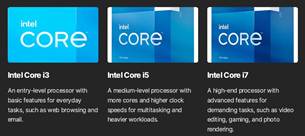
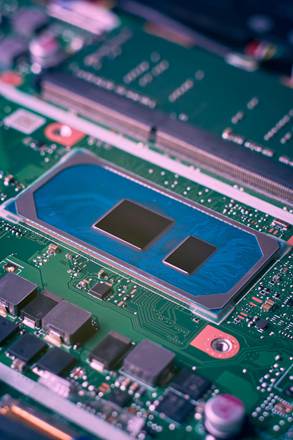
The processor (CPU) determines how fast your laptop performs tasks.
✅ How to Check:
💡 What to Choose:
👉 Tip: Newer generations (like 11th, 12th gen) are better than older ones.
🧠 2. RAM (Memory for Multitasking)
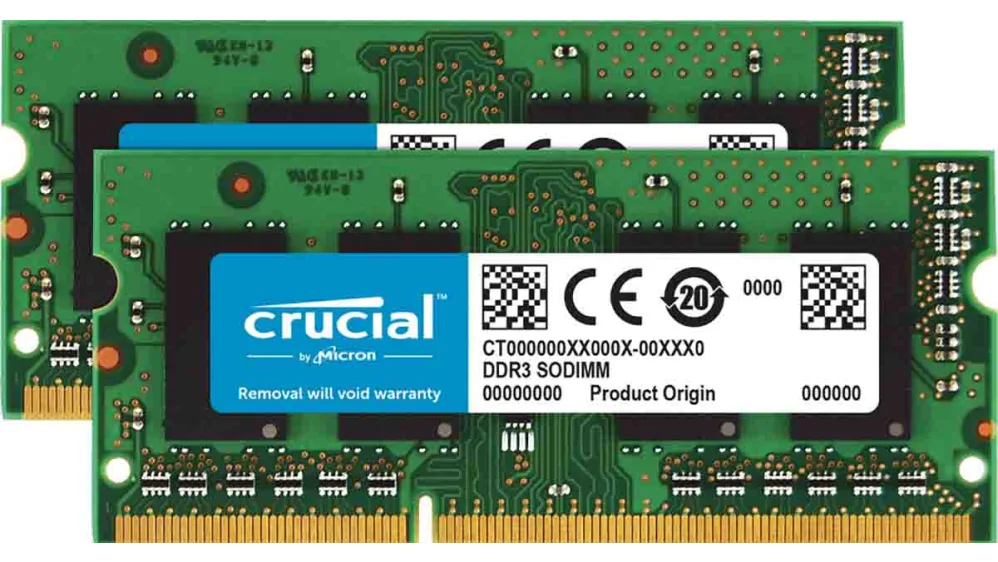
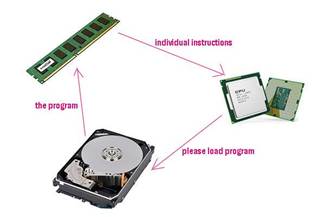
RAM affects how many apps you can run smoothly at once.
✅ How to Check:
💡 What to Choose:
👉 Tip: Always choose upgradeable RAM if possible.
💾 3. Storage (Where Your Files Live)
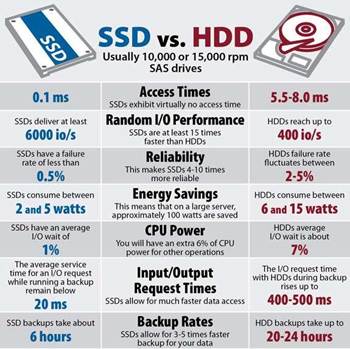
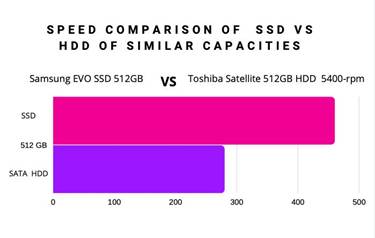
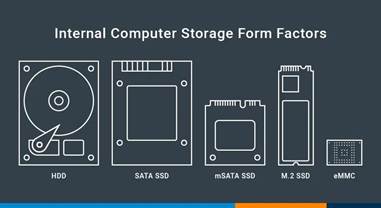
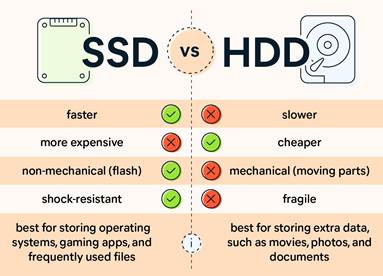
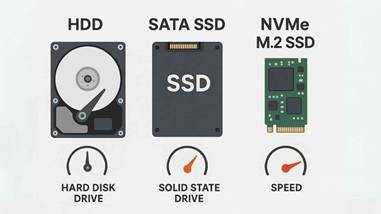
Storage determines how fast your laptop boots and loads files.
✅ How to Check:
💡 What to Choose:
👉 Best option:
✔️ 256GB or 512GB SSD
🔋 4. Battery Life (Your Freedom)
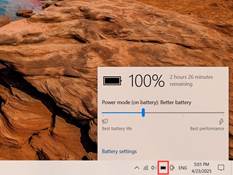

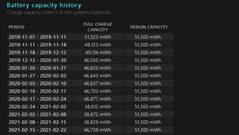


Battery life determines how long you can work without charging.
✅ How to Check:
💡 What to Look For:
👉 Tip: Avoid laptops that die quickly off charger.
🖥️ 5. Screen Size (Your Viewing Experience)
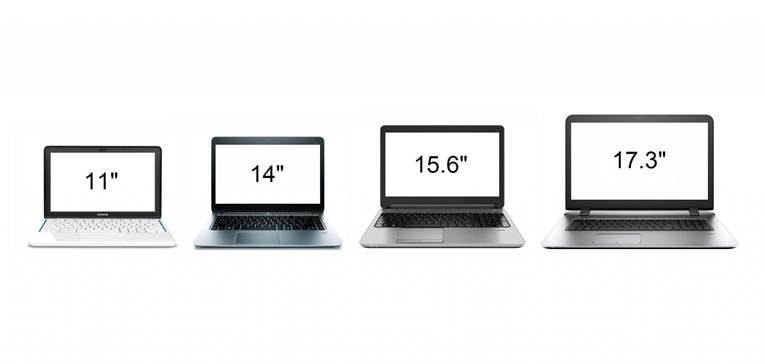
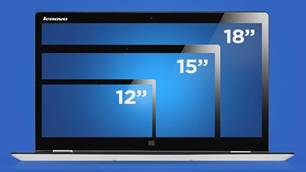
Screen size affects comfort, portability, and productivity.
How to Check:
What to Choose:
Tip: Also check resolution (Full HD is best).
Final Thoughts
Before buying any laptop, always remember:
✔️ Processor determines speed
✔️ RAM controls multitasking
✔️ Storage affects performance
✔️ Battery gives mobility
✔️ Screen size impacts comfort
The best laptop is not the most expensive — it’s the one that fits your needs.


